Repairing the scroll wheel button on Mionix Naos 7000
161 words, est. 1 min
A common problem with the Mionix Naos 7000 is that the scroll wheel click button breaks. As it feels wasteful to throw an otherwise fully functioning mouse just becase one switch breaks I decided to try to fix it. So I ordered a pack of EVQP0E07K Micro Switch and began breaking into the mouse.
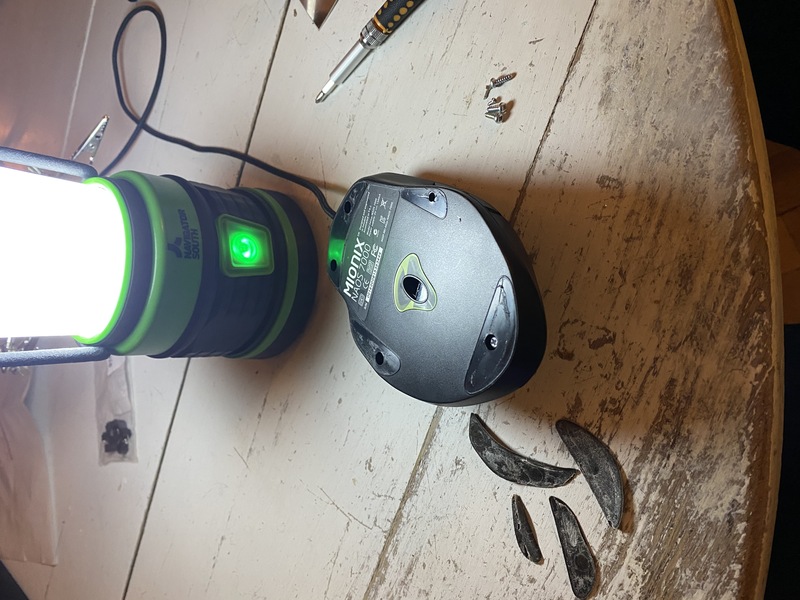
The feets are removed with a hair dryer and a knife or putty shovel. Underneath are the screws.
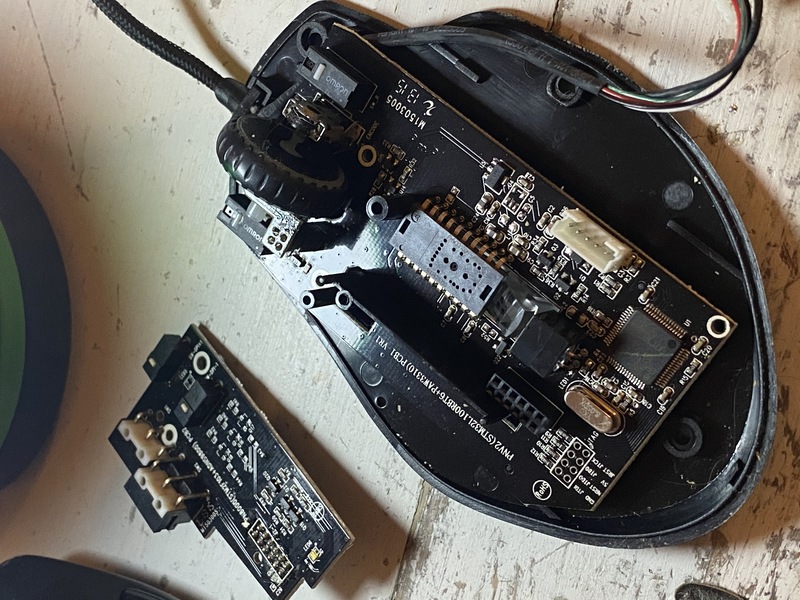
The daughter board and LED-board needs to be removed to reach the switch. One is mounted with two screws and the other just pulls off.
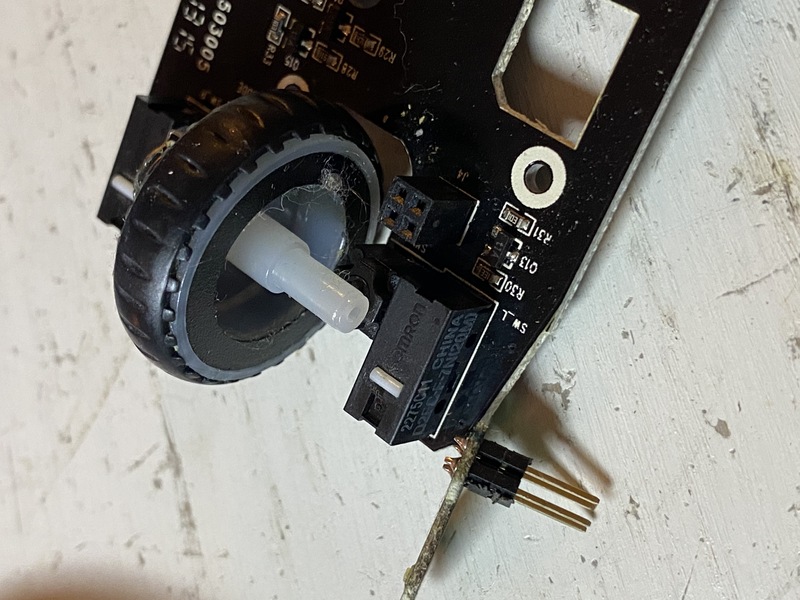
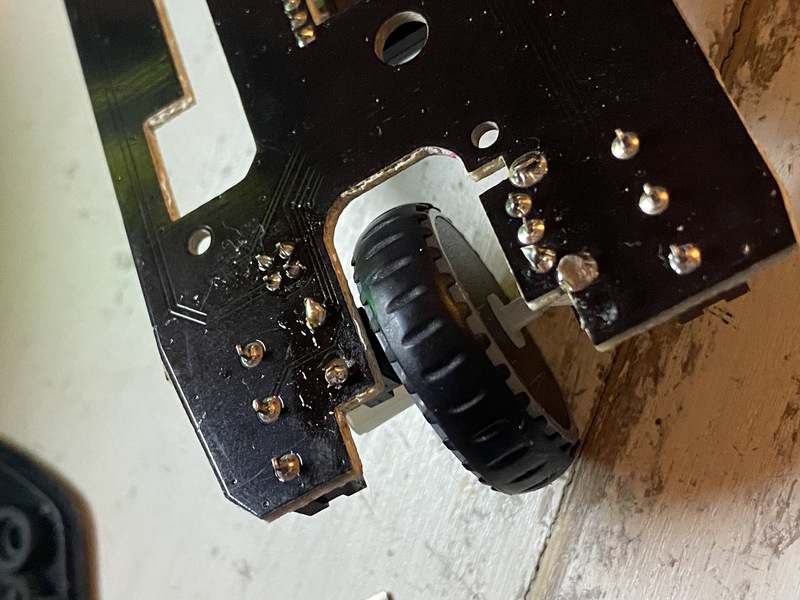
The scroll wheel’s axle rests at the switch. It was a bit tricky to remove the wheel, but its possible to wiggle it out.
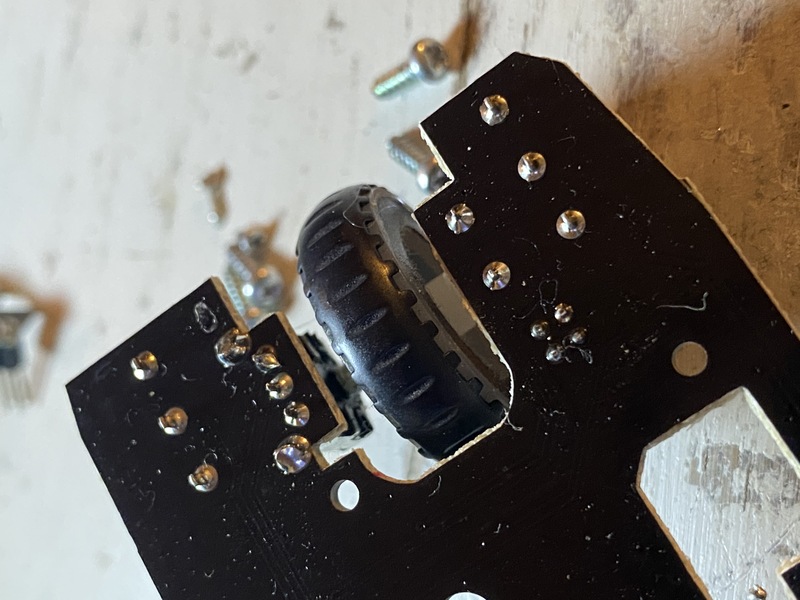
The back side of the main PCB before desoldering the switch. Clean, nice.
The back side of the main PCB after the switch was replaced. Utter horrible solder and even worse desolder, but hey - I got it working again!