Flashing the Pinephone eMMC using Jumpdrive
77 words, est. 1 min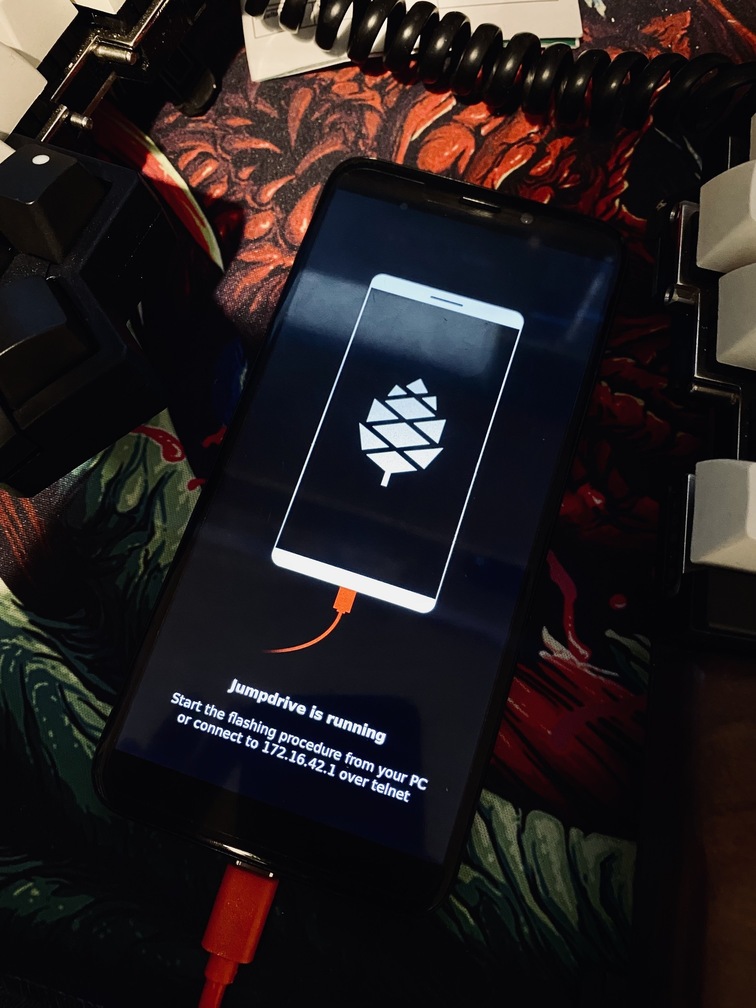
Why?
Simply because the eMMC is faster and more durable.
How?
Start by downloading your preferred distro, Jumpdrive and Etcher. Extract the images and install Etcher.
- Flash Jumprive to the MicroSD-card using Etcher.
- Put back the MicroSD in the Pinephone and boot with it connected via USB to your computer.
- Flash the distro image using Etcher, this time you pick Jumprive as target.
- Remove the MicroSD-card from the Pinephone, otherwise it will boot back into Jumprive.
- Done!